This Apple Podcasts downloader turns any public Apple Podcasts link into an MP3 file you keep. Play episodes on Android, Windows, a car stereo, or a running player—with no iTunes and no Apple login.
Play or Save a Real Episode
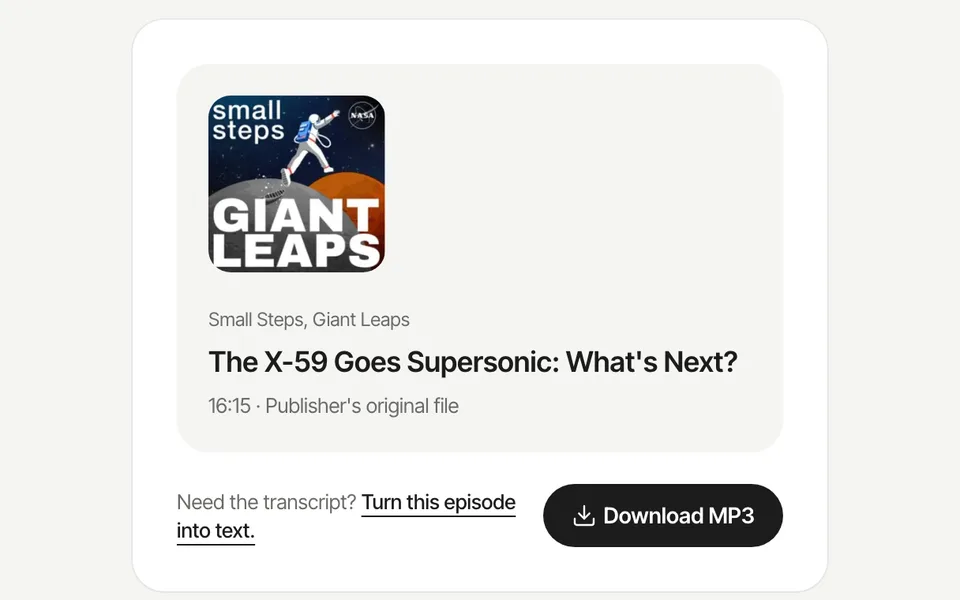
Preview an original public RSS audio file fetched from Apple's directory, or download the MP3 directly.
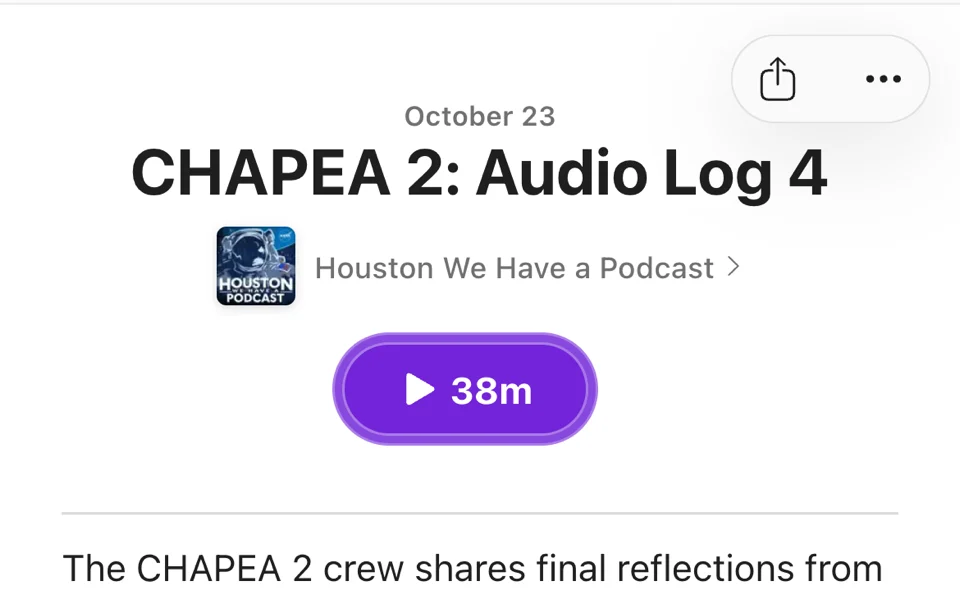
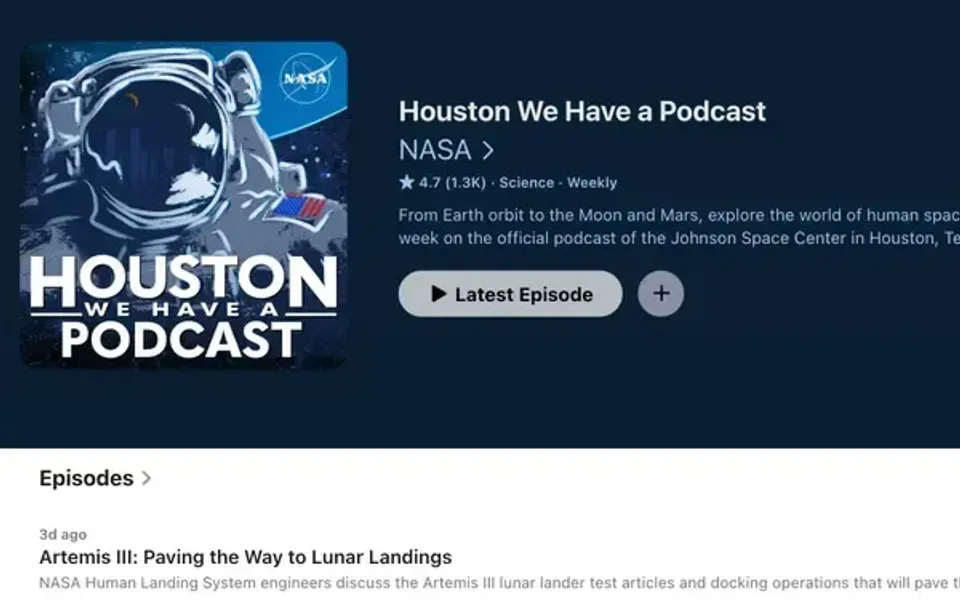
Houston We Have a PodcastCHAPEA 2: Audio Log 438:14 · Publisher's original file
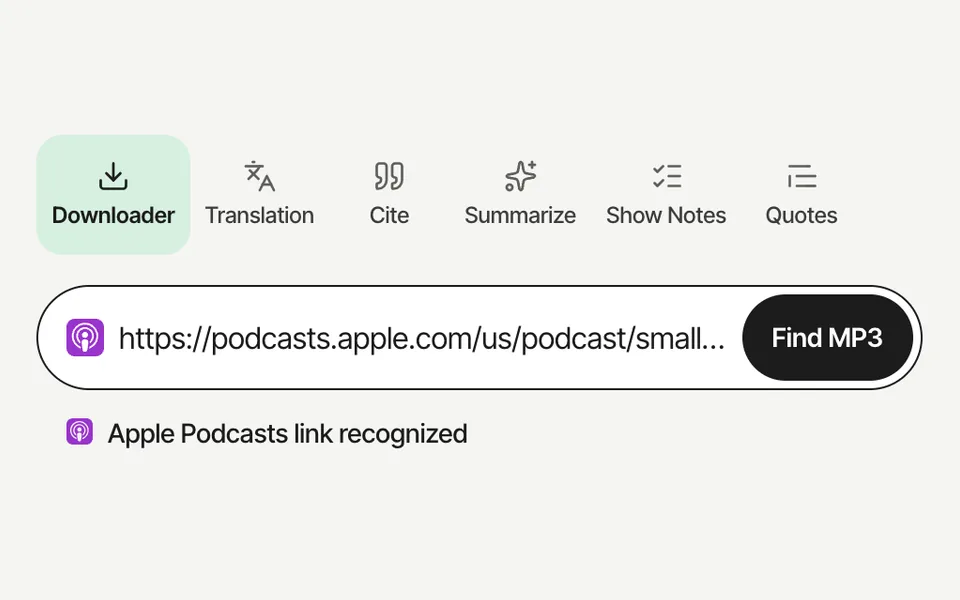
Works from iPhone, iPad, Mac, or any podcasts.apple.com web link.
Tap the three-dot menu or Share button on iPhone, Mac, or podcasts.apple.com, then choose Copy Link.
An episode link (?i=...) opens that exact episode. A show link lists its newest 50 releases from the public RSS feed.
Press Download MP3. Readapod saves the publisher's file named after the episode title.
A Portable MP3 File, Not a Hidden App Folder
The Apple Podcasts app traps downloads inside iOS or coded Mac folders. Readapod saves a normal file you can move anywhere.
Listen Without Apple Podcasts or iTunes
On iPhone, downloads stay inside Library › Downloaded (Apple Support). They can expire automatically. Here you keep a standard file that never vanishes.
Works on Android, Windows, and Linux straight in the browser
Load clip-on MP3 players and waterproof swim headphones in seconds
Clean file names titled after the episode instead of random IDs
Download Audio—or Read the Full Episode Text
Apple Podcasts restricts copy-pasting transcripts to 200 words at a time. Paste the same link into our Apple Podcasts transcript tool to read, search, or summarize the whole episode.
Publisher's original file: MP3 or M4A straight from the RSS feed
Full transcripts & AI summaries on the exact same show link
Apple does not host most shows—it indexes each publisher's public RSS feed. Here is what happens under the hood when you paste an Apple Podcasts link:
Exact episode lookup: An `?i=` episode ID maps straight to one RSS enclosure with its release date and duration, even on multi-year catalogs like *Hidden Brain* or *Houston We Have a Podcast*.
Ignore 0-byte size tags: Some major hosts (such as Megaphone) publish `length="0"` in RSS XML even when the full MP3 downloads cleanly—always verify the saved file instead.
Original audio intact: Because the file streams directly from the publisher's host, chapter markers, audio bitrate, and dynamic sponsor reads stay untouched.
How to Copy Any Apple Podcasts Link
Different Apple devices place the Copy Link option in slightly different menus. Use the matching path before pasting above:
iPhone or iPad: Open the episode, tap ⋯, choose Share Episode, then tap Copy Link.
Mac app: Click ⋯ beside the episode title, choose Share Episode, and click Copy Link.
Any browser: Search the show on podcasts.apple.com and copy the address ending in `?i=`.
Apple Podcasts App Downloads vs. Saved MP3 Files
See what changes when you save the publisher's RSS audio file instead of caching inside Apple's app.
What matters
Apple Podcasts app
Readapod MP3 download
Where files live
Hidden app cache (coded names on Mac)
Normal MP3 or M4A in your Downloads folder
Auto-removal
Played downloads can expire on iPhone
Stays on your drive until you delete it
Android, Windows & cars
Requires Apple device or web stream
Copies to any phone, USB drive, or MP3 player
Apple account needed
Yes, for synced library
No login and no app install
Subscriber-only bonuses
Plays inside Apple Podcasts
Public RSS episodes only (no paywalls)
Apple Podcasts Downloader FAQs
How do I download an Apple Podcasts episode as an MP3?
Copy the link from Apple Podcasts or an older iTunes podcast link and paste it above. This Apple Podcasts downloader pulls the public RSS file so you can save the MP3 in one click.
Do I need a separate Apple Podcasts to MP3 converter?
No. Almost every show already publishes MP3 or M4A, and Readapod hands you that original file with no re-encoding.
Why are my Apple Podcasts downloads disappearing in Apple's app?
Apple's app auto-removes played or older cached episodes, and hides Mac downloads under coded names. Saving the MP3 here keeps a permanent file on your own drive.
Can I download Apple Podcasts subscriber-only episodes?
No. Paid subscriber bonuses have no public RSS audio, and we never bypass paywalls. Listen to subscriber episodes in Apple's app.
Does it work on Windows and Android?
Yes. Open podcasts.apple.com in any browser on Windows, Android, or Chromebook, copy the link, and save the MP3 here.
Is this Apple Podcasts downloader free?
Yes. Saving audio files is free and needs no account. Optional transcripts and AI study tools use credits—see pricing.